
MoneyByte Points
- Thermal cameras reveal surface-temperature patterns that can help locate drafts, insulation gaps, HVAC problems, and possible moisture—not conditions hidden directly behind walls.
- Native infrared resolution, thermal sensitivity, device compatibility, and reporting workflow matter more than an unusually high maximum-temperature claim.
- A suspicious thermal pattern is a reason to investigate. Confirm possible moisture with a moisture meter and use qualified professionals for electrical or building-safety concerns.
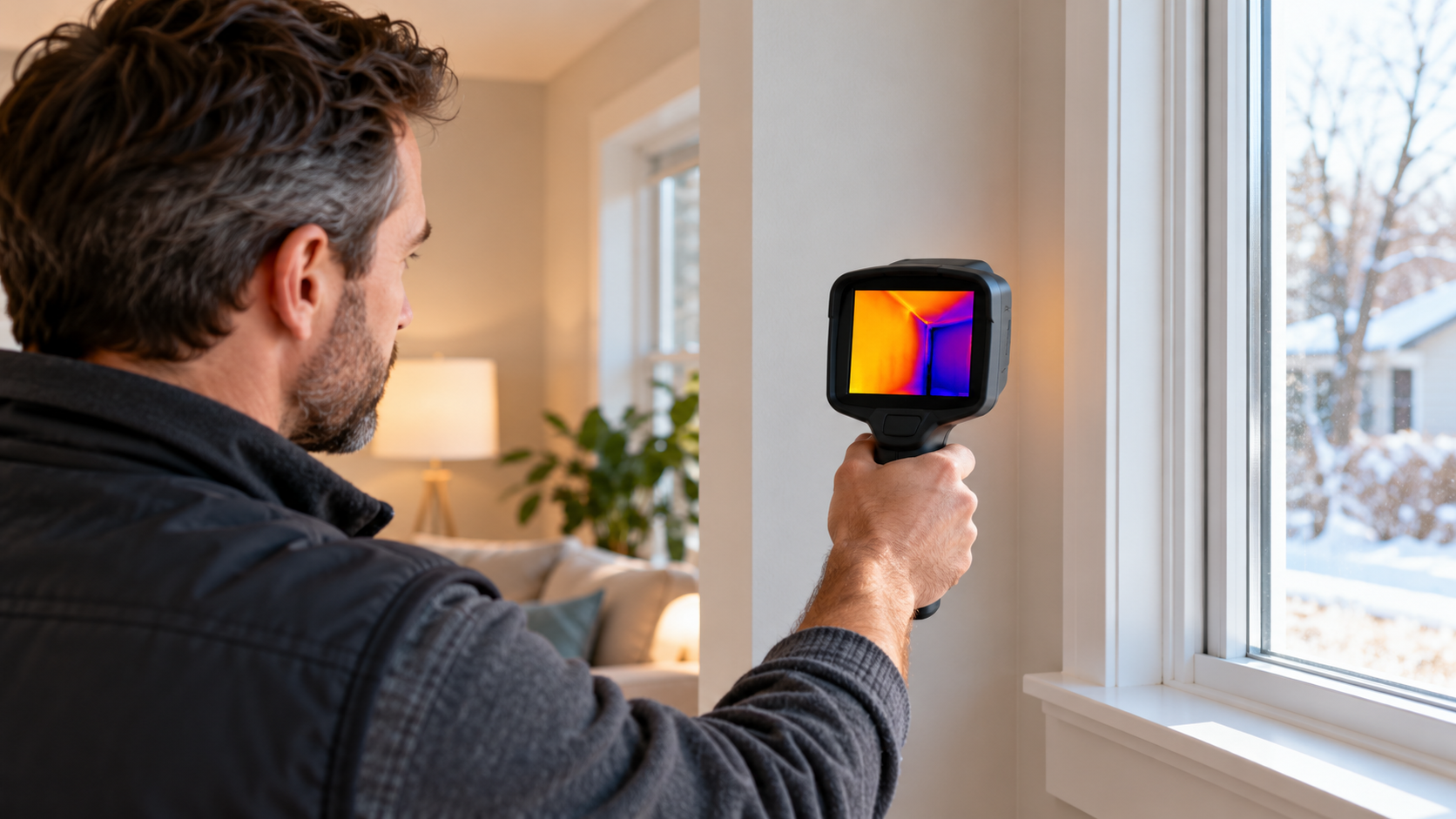
A thermal camera for home inspection translates infrared energy into an image of surface-temperature differences. Those patterns can direct your attention toward air leakage, missing insulation, uneven heating, overheating components, and areas that may warrant moisture testing.
The key word is direct. A thermal image does not see through drywall or identify the precise cause of an abnormal pattern. The U.S. Department of Energy’s home energy assessment guide explains that infrared cameras can help locate air leaks and drafts, often as part of a broader energy assessment involving techniques such as blower-door testing.
This guide compares five practical candidates using current manufacturer specifications. The recommendations are editorial assessments based on those specifications and expected workflow—not hands-on laboratory testing.
Five thermal cameras compared
| Model | Best fit | Native IR resolution | Sensitivity / rate | Format | Official US price |
|---|---|---|---|---|---|
| FLIR Edge | Occasional scans on a tighter budget | 80 × 60 | Not highlighted in comparison listing | Wireless phone connection | $319 |
| FLIR ONE Pro | Compact, direct phone attachment | 160 × 120 | 70 mK / 8.7 Hz | USB-C or Lightning versions | From $349 |
| FLIR Edge Pro | Awkward or hard-to-reach areas | 160 × 120 | See manufacturer specifications | Wireless, up to 5 meters | $529 |
| HIKMICRO Pocket2 | Dedicated standalone inspections | 256 × 192 | Under 40 mK / 25 Hz | 3.5-inch touchscreen | Check current price |
| TOPDON TC001 Plus | Android or Windows users wanting detailed images | 256 × 192 | Under 40 mK / 25 Hz | Connected device required | Check current price |
FLIR listed the three prices above on October 6, 2026. Its Edge Pro and ONE Pro both use 160 × 120 native sensors, although FLIR also advertises software-enhanced “super resolution.” Compare native resolution first when evaluating different manufacturers.
HIKMICRO specifies a 256 × 192 detector, under-40-mK sensitivity, 25 Hz imaging, and approximately four hours of battery operation for the Pocket2. TOPDON also specifies 256 × 192, under 40 mK, and 25 Hz for the TC001 Plus, which connects to Android and Windows devices.
HIKMICRO and TOPDON did not display a complete direct US purchase price in the accessible manufacturer pages. Check the current price, warranty, seller authorization, and return policy before purchasing.
Which thermal-camera specifications matter?
Native infrared resolution
More detector pixels can reveal smaller patterns and make images easier to interpret, particularly across walls and ceilings. Resolution should still be considered alongside field of view, focus distance, optics, and working distance.
Software-enhanced resolution may improve presentation, but it does not change the physical detector’s pixel count.
Thermal sensitivity
Thermal sensitivity, usually reported as NETD in millikelvins, describes the camera’s ability to distinguish small temperature differences. A lower figure generally indicates finer sensitivity under the manufacturer’s test conditions.
Cross-brand figures are not a perfect performance ranking because calibration, processing, optics, environmental conditions, and measurement procedures also affect the result.
Refresh rate
A 25 Hz camera updates more smoothly than an 8.7 Hz camera when the operator moves across a room. That can make scanning more comfortable, but image interpretation and adequate temperature contrast remain more important than motion smoothness alone.
Workflow and compatibility
A phone attachment is compact and easy to carry, but it depends on the correct connector, supported operating system, available battery power, and app support. A standalone camera adds cost and another device to charge, but it can provide a more consistent inspection and reporting workflow.
Which model fits your inspection workflow?
FLIR Edge: lower-cost wireless scanning
Pros: Lowest current price among the wireless FLIR options, approximately 2.5 hours of battery life, and remote positioning up to five meters.
Cons: Its 80 × 60 native detector provides less spatial detail than the other cameras in this comparison.
Audience fit: Homeowners conducting occasional seasonal checks around doors, windows, vents, and accessible walls.
FLIR ONE Pro: compact phone-based option
Pros: A 160 × 120 native sensor, adjustable phone connector, radiometric images, and several device versions.
Cons: Approximately one hour of battery life and an 8.7 Hz frame rate. Buyers must choose the correct connector and confirm phone compatibility.
Audience fit: Homeowners or contractors who want a compact camera without carrying a dedicated display. FLIR lists the model from $349 as of the review date.
FLIR Edge Pro: useful for difficult positions
Pros: The camera can be separated from the phone and positioned inside cabinets, near ductwork, or above the operator’s normal viewing angle. It offers 160 × 120 native resolution and about 2.5 hours of battery life.
Cons: At $529, it costs substantially more than the direct-connect ONE Pro without providing higher native resolution.
Audience fit: Inspectors who will frequently benefit from remote positioning.
HIKMICRO Pocket2: dedicated inspection workflow
Pros: A standalone touchscreen, 256 × 192 native resolution, under-40-mK sensitivity, 25 Hz imaging, an eight-megapixel visual camera, and approximately four hours of operation.
Cons: Larger than a phone attachment, and the manufacturer’s US page did not provide a direct retail price during this review.
Audience fit: Contractors and frequent users who prefer a dedicated instrument and onboard image storage.
TOPDON TC001 Plus: detailed connected imaging
Pros: A 256 × 192 sensor, under-40-mK sensitivity, 25 Hz refresh rate, Android and Windows support, and desktop analysis features.
Cons: No built-in display or battery. It is not listed as compatible with iOS, and a complete direct purchase price was not visible on the manufacturer page.
Audience fit: Android or Windows users who prioritize native image detail without needing a standalone camera.
How to conduct a more reliable home scan
A thermal camera for home inspection performs best when indoor and outdoor temperatures provide useful contrast. Scan comparable surfaces from similar distances, allow the camera to stabilize, and record ordinary visual photographs alongside thermal images.
Pay particular attention to:
- Window and door frames
- Exterior-wall intersections
- Attic access points
- HVAC registers and duct routes
- Areas below plumbing fixtures
- Repeated patterns around electrical equipment
Treat reflective metal and glass cautiously because they can reflect infrared energy from other objects. Do not open energized electrical panels or remove protective covers unless you are qualified and authorized to do so.
Most importantly, do not label a cool patch as a leak solely from its color. FLIR’s thermal-imaging and water-leak guidance states that a thermal camera detects temperature differences—not moisture itself—and recommends confirming suspected moisture with a moisture meter.
Thermal imaging is a screening and diagnostic aid, not a replacement for a professional home inspection, energy audit, moisture assessment, or electrical-safety evaluation.
Thermal-camera FAQ
Can a thermal camera see through walls?
No. It measures infrared energy emitted or reflected by accessible surfaces. Subsurface conditions may influence a surface-temperature pattern, but the image is not an interior view of the wall.
Is higher maximum temperature important for home inspections?
Usually not. Building-envelope work depends more on detecting relatively small temperature differences. A high measurement ceiling is more relevant to certain industrial, automotive, or electrical applications.
Can a thermal camera find mold?
It cannot identify mold. It may reveal a temperature pattern associated with moisture, but that pattern requires confirmation and further investigation.
Which model is the simplest buying decision?
For occasional basic scans, the FLIR Edge offers the lowest verified price in this comparison. For greater native detail, consider the phone-connected TOPDON TC001 Plus or standalone HIKMICRO Pocket2 after checking current price and compatibility.
Before buying: Open the manufacturer links in the comparison table to confirm device compatibility and current specifications, then compare current prices, warranty coverage, and return terms.
Explore additional tools and engineering coverage in Money Byte’s technology archive, or browse the latest Money Byte articles.
Fact-check note: Reviewed October 6, 2026 using manufacturer specifications and US Department of Energy guidance. Prices can change. Recommendations are specification-based editorial assessments, not hands-on tests.
Leave a Reply